Getting started1 min read
Sign in to your workspace
Sign in to keep your work associated with your account and use the tools your account can access. You need an existing CleverCreator account for these instructions.
Sign in
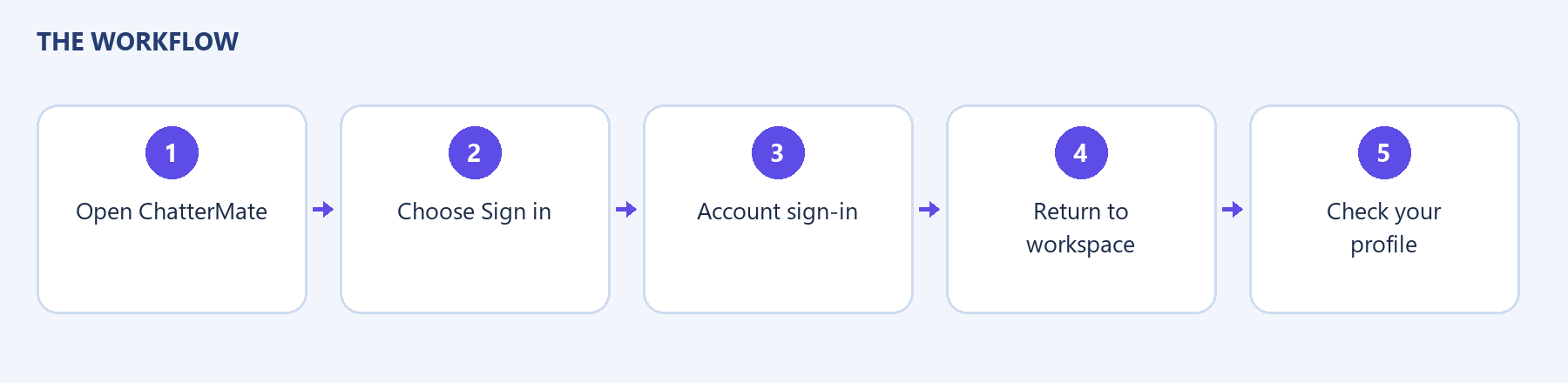
Section titled “Sign in”- Open ChatterMate and choose Sign in.
- Follow the redirect to the CleverCreator account sign-in screen.
- Enter your account email and password.
- Choose Sign in and allow the browser to return to ChatterMate.
- Check your profile to confirm that you are using the intended account.
- If a welcome dialog appears, read it and choose Get started.
The successful result is the ChatterMate workspace with your account signed in. An existing-account login was verified in the local application; the account hub’s appearance can differ by environment.
If you cannot sign in
Section titled “If you cannot sign in”Check that the email belongs to the account you intend to use. If the sign-in screen offers a password recovery link, use that account-provider flow. If the browser keeps returning to sign-in, record the error and whether it occurs before or after returning to ChatterMate. Do not include your password when asking for help.
Continue with the workspace tour.